

 Banko Stoyanov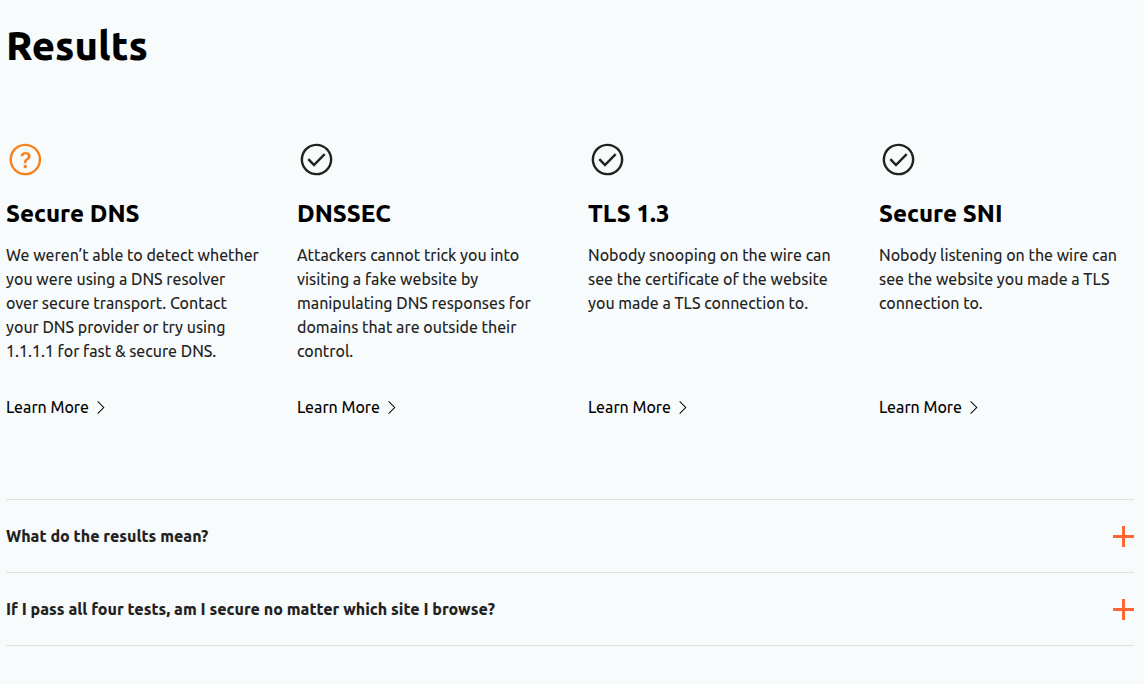
Secure DNS, also known as DNS over HTTPS (DoH), upgrades the way your browser looks up website addresses. Instead of sending DNS queries in plain text (where anyone—your ISP, hackers—could snoop on your browsing), DoH encrypts these requests using HTTPS. This helps keep your online activity more private and secure.
How to Enable Secure DNS in Google Chrome (Quick & Easy)
Step-by-step:
-
Open Chrome and click the three-dot menu (top right).
-
Go to Settings → Privacy and security → Security. Cloudflare Docs.
-
Scroll to the Advanced section and find the “Use Secure DNS” option.
-
Toggle it On. By default, Chrome may use your ISP’s DNS if it’s supported, but it’s safer to choose a trusted provider—like Cloudflare. Cloudflare Docs
-
From the dropdown, you can select:
-
Your current service provider (if they support DoH),
-
Google Public DNS, Cloudflare, or others,
-
Or enter a custom provider URL.
-
How to Confirm It’s Working
Enabling Secure DNS doesn’t always guarantee it’s actually encrypting your requests. The best way to check is using an online tool—Cloudflare’s DNS test, for instance. It’ll tell you if DoH is active.
Do You Even Need It?
Absolutely. DNS queries are a critical part of how websites load—and if exposed, can be manipulated or observed by malicious actors. Enabling Secure DNS is a quick and powerful way to better protect your privacy without making major changes.
Blog‑Ready Format Suggestions
-
Open with a real‑world analogy—like sending a postcard vs. a sealed letter—to illustrate the difference between unencrypted and encrypted DNS.
-
Use clear, numbered steps (as above) to guide readers through the process.
-
Add visuals: Screenshots of each step (menu click, Settings → Security, enabling Secure DNS) will really help.
-
Include a testing tool link (e.g., “Check if Secure DNS is working”)—this adds practical value.
-
Call to action: Invite readers to test this today and share any differences they notice in speed or privacy.
 Banko Stoyanov

