

 Banko Stoyanov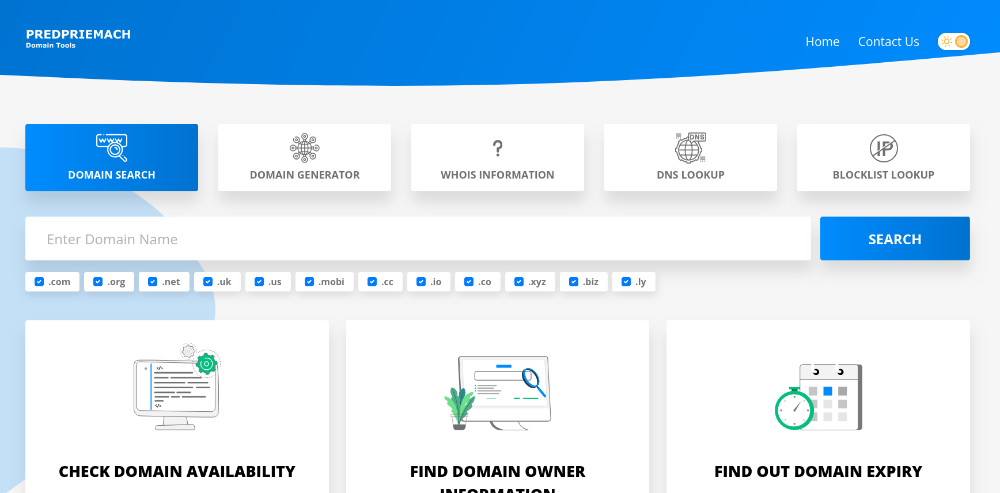
Being a successful webmaster today requires much more than building a website and publishing content. Performance, DNS configuration, email deliverability, global accessibility, security, and historical tracking all play a critical role in your site’s success.
Fortunately, there are powerful online tools that help you diagnose problems, optimize performance, and ensure everything works exactly as it should. Below is a carefully selected list of essential webmaster tools that every professional should know, understand, and use regularly.
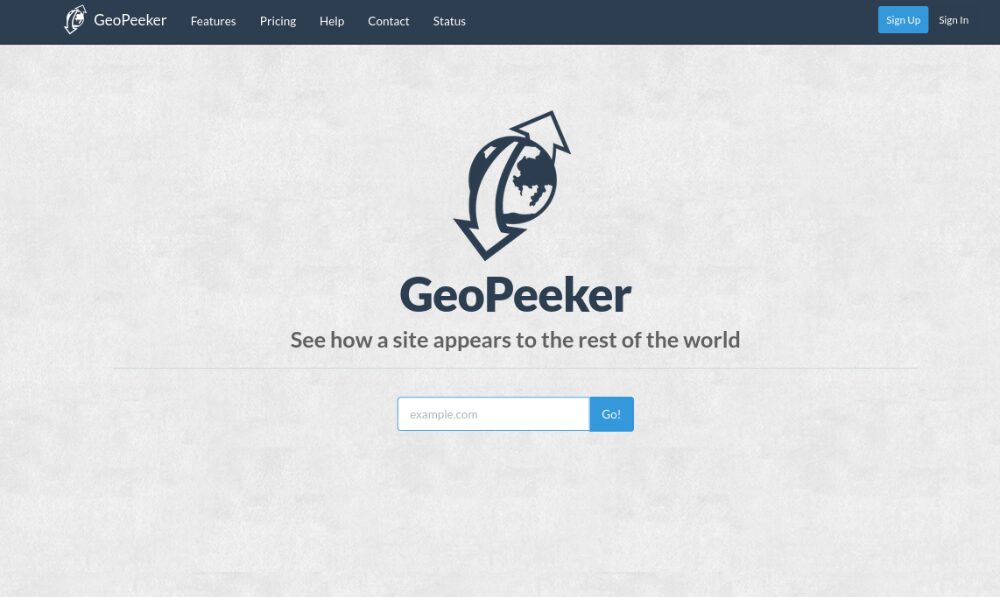
1. GeoPeeker.com – Check Your Website from Multiple Global Locations
What it does:
GeoPeeker allows you to see how your website loads from different locations around the world.
Why it’s useful:
Sometimes your website works perfectly in your country but fails or loads slowly in another region. This could be due to CDN issues, DNS propagation delays, firewall blocks, or server routing problems.
How it helps webmasters:
- Verify global accessibility
- Detect geo-blocking issues
- Check CDN configuration
- Diagnose regional downtime
- Identify DNS propagation inconsistencies
How to use it:
- Enter your website URL.
- The tool loads your site from several global servers (US, Europe, Asia, etc.).
- Review screenshots and loading status.
- Identify if any region fails or loads abnormally.
This tool is especially important for international businesses or websites using CDN services.
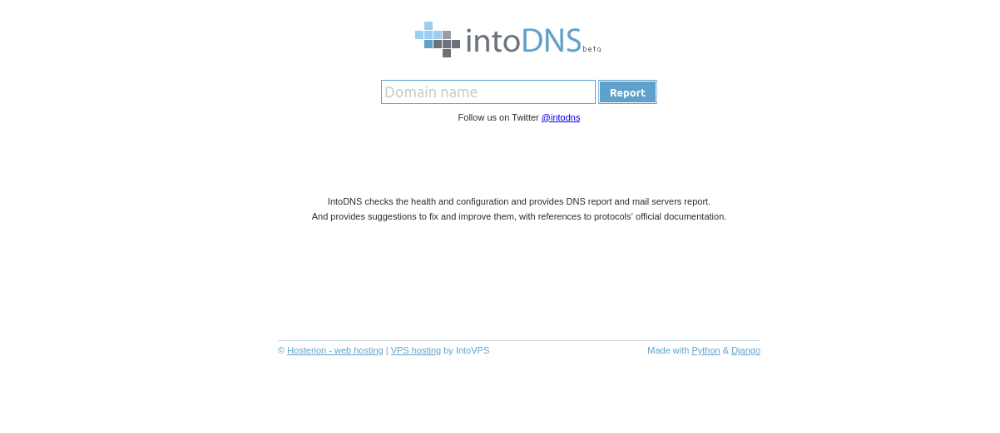
2. IntoDNS.com – Deep DNS Configuration Analysis
What it does:
IntoDNS analyzes your domain’s DNS and provides a detailed report of configuration health.
Why it’s useful:
DNS misconfigurations can cause downtime, email failures, and security risks. Many webmasters overlook DNS health until something breaks.
How it helps webmasters:
- Detect missing or broken NS records
- Identify zone transfer vulnerabilities
- Verify SOA record correctness
- Check DNS redundancy
- Highlight configuration errors
How to use it:
- Enter your domain name.
- Review the generated DNS health report.
- Fix warnings or errors via your DNS provider.
For hosting professionals and technical SEO specialists, this tool is invaluable.
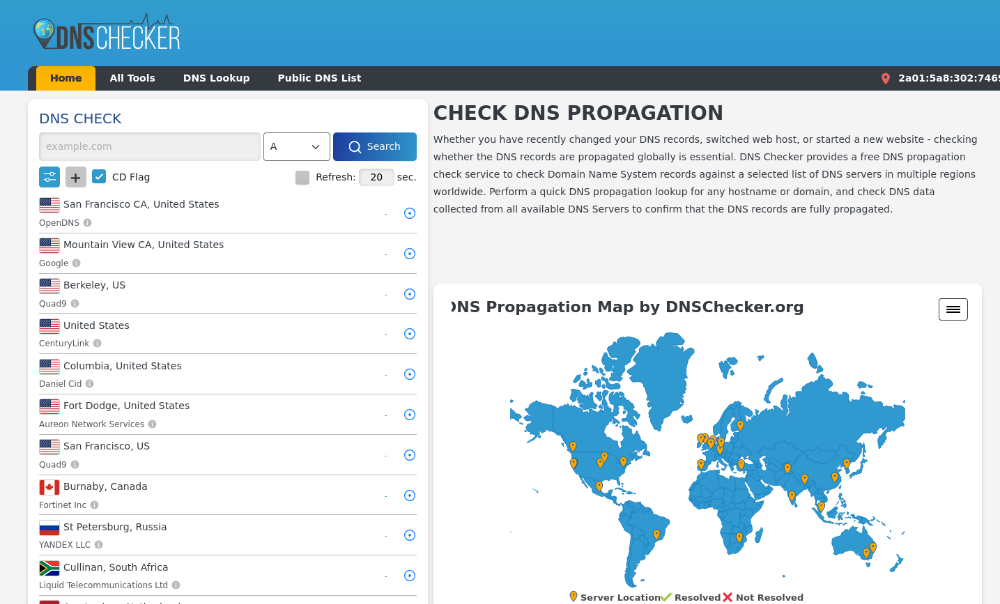
3. DNSChecker.org – DNS Propagation & Record Verification
What it does:
DNSChecker shows how DNS records propagate across the world.
Why it’s useful:
After changing nameservers, A records, MX records, or TXT records, it may take time to propagate globally.
How it helps webmasters:
- Check A, AAAA, MX, TXT, CNAME records
- Monitor DNS propagation after changes
- Troubleshoot domain pointing issues
- Verify SPF, DKIM, DMARC records
How to use it:
- Select record type.
- Enter your domain.
- View global DNS results.
This tool is essential after migrations or email configuration changes.
4. MXToolbox.com – Email & Server Diagnostics
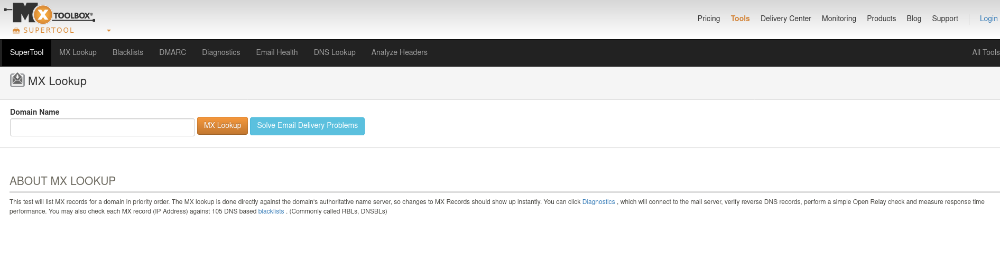
What it does:
MXToolbox provides email diagnostics and blacklist monitoring.
Why it’s useful:
Email deliverability is critical. If your server IP is blacklisted, your emails may go to spam or be rejected.
How it helps webmasters:
- Check MX records
- Monitor blacklists
- Validate SPF, DKIM, DMARC
- Test SMTP server configuration
- Diagnose mail flow issues
How to use it:
- Enter your domain or IP.
- Run blacklist check or MX lookup.
- Review results and resolve issues if flagged.
For anyone managing hosting or email servers, this tool is non-negotiable.
5. SSLShopper.com – SSL Certificate Checker

What it does:
SSLShopper verifies SSL certificate installation and validity.
Why it’s useful:
Improper SSL installation can cause browser warnings, SEO penalties, and trust issues.
How it helps webmasters:
- Check certificate chain
- Verify expiration dates
- Detect intermediate certificate issues
- Confirm correct domain installation
How to use it:
- Enter your domain.
- Run SSL check.
- Review certificate details and warnings.
This tool ensures your HTTPS setup is properly configured.
6. Archive.org – Website History & Recovery
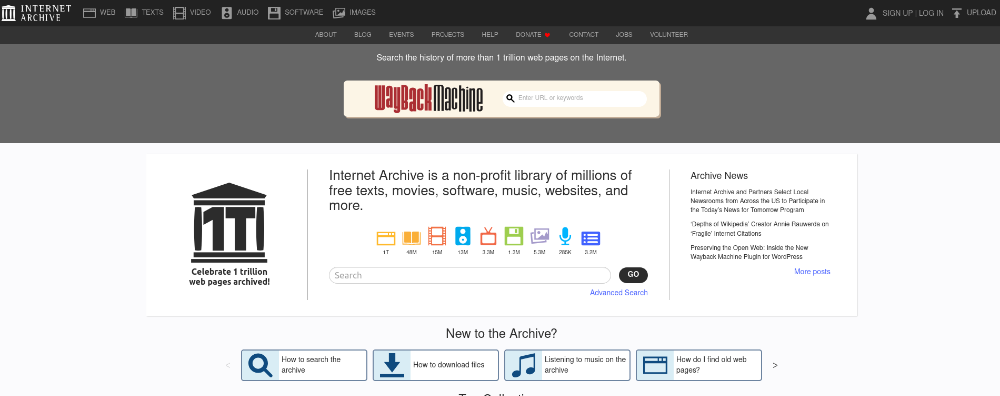
What it does:
Archive.org (Wayback Machine) stores historical snapshots of websites.
Why it’s useful:
It allows you to see how a website looked in the past — including your own or competitors’.
How it helps webmasters:
- Recover lost content
- Analyze competitor history
- Track design evolution
- Investigate hacked or altered content
How to use it:
- Enter a domain.
- Browse snapshots by year.
- View archived versions.
This tool is extremely useful for SEO research and content recovery.
7. GTmetrix.com – Website Speed & Performance Analysis
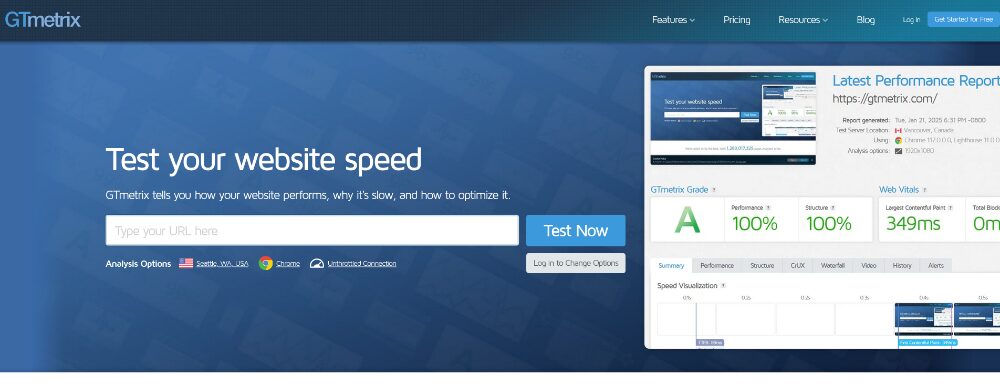
What it does:
GTmetrix analyzes website loading speed and performance metrics.
Why it’s useful:
Speed affects SEO, user experience, and conversion rates.
How it helps webmasters:
- Measure Core Web Vitals
- Identify slow-loading resources
- Detect unoptimized images
- Analyze caching performance
- Improve server response time
How to use it:
- Enter your website URL.
- Run a performance test.
- Review performance scores and recommendations.
For SEO professionals and hosting providers, performance analysis is critical
8. ToTheWeb.com – HTTP Header Checker
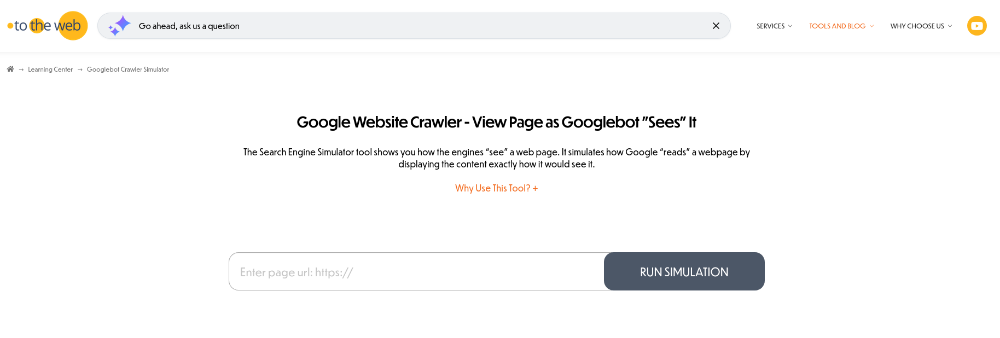
What it does:
ToTheWeb allows you to inspect HTTP headers and server responses.
Why it’s useful:
Headers control caching, redirects, compression, and security policies.
How it helps webmasters:
- Verify 301/302 redirects
- Check cache-control headers
- Inspect server type
- Validate gzip/brotli compression
- Review security headers
How to use it:
- Enter your URL.
- Review HTTP response headers.
- Confirm correct server behavior.
Technical SEO specialists rely heavily on proper header configuration.
9. Predpriemach.net – All-in-One Webmaster & Domain Tools
What it does:
Predpriemach.net provides a collection of online tools for domain analysis, DNS checks, IP lookup, and other webmaster-related diagnostics.
Why it’s useful:
Instead of visiting multiple platforms, you can access various domain and network diagnostic tools in one place.
How it helps webmasters:
- Check domain information
- Analyze DNS records
- Perform IP lookups
- Run connectivity tests
- Verify server configurations
How to use it:
- Choose the required tool from the website.
- Enter domain/IP.
- Review results and take action if necessary.
For webmasters who need quick diagnostics without switching platforms, this tool saves time and improves workflow efficiency.
Final Thoughts
Being a professional webmaster means proactively monitoring:
- DNS health
- Email reputation
- SSL security
- Global accessibility
- Performance optimization
- Historical tracking
The tools listed above cover all critical aspects of website management. Whether you work in hosting, SEO, security, or development, mastering these platforms will significantly improve your troubleshooting capabilities and technical awareness.
A great webmaster doesn’t wait for problems — they use the right tools to prevent them.
If you consistently use these tools, you’ll reduce downtime, improve performance, enhance security, and deliver a better experience to your users.
 Banko Stoyanov

