
 Banko Stoyanov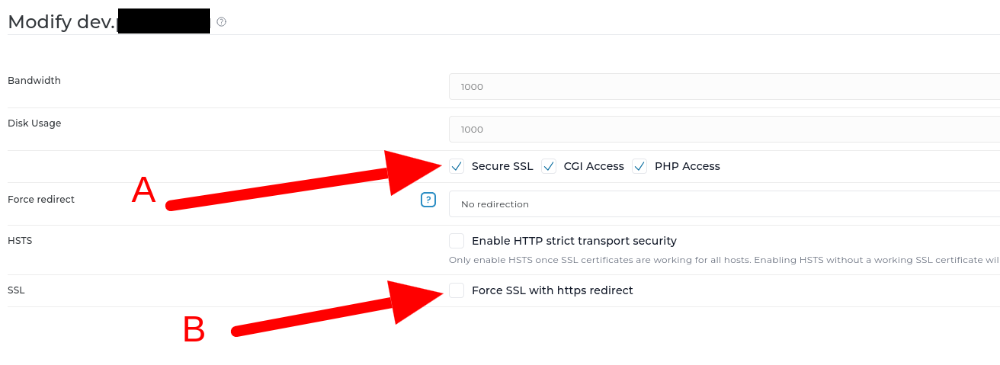
How to Enable Let’s Encrypt and Install an SSL for a Domain
Let’s Encrypt offers free SSL certificates that can be installed via the DirectAdmin control panel.
Once your account has been logged in:
1. Select SSL Certificates from the Account Manager Tab.
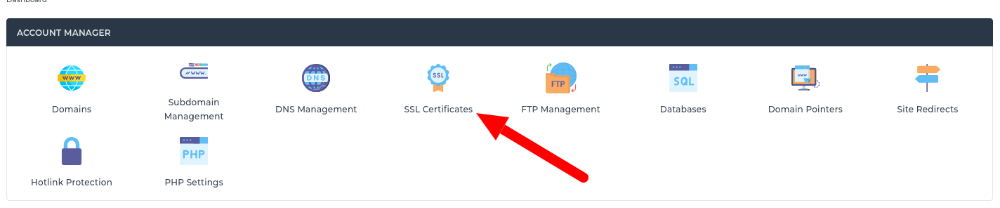
2. Click on the ACME settings Tap and make sure is checked. Select
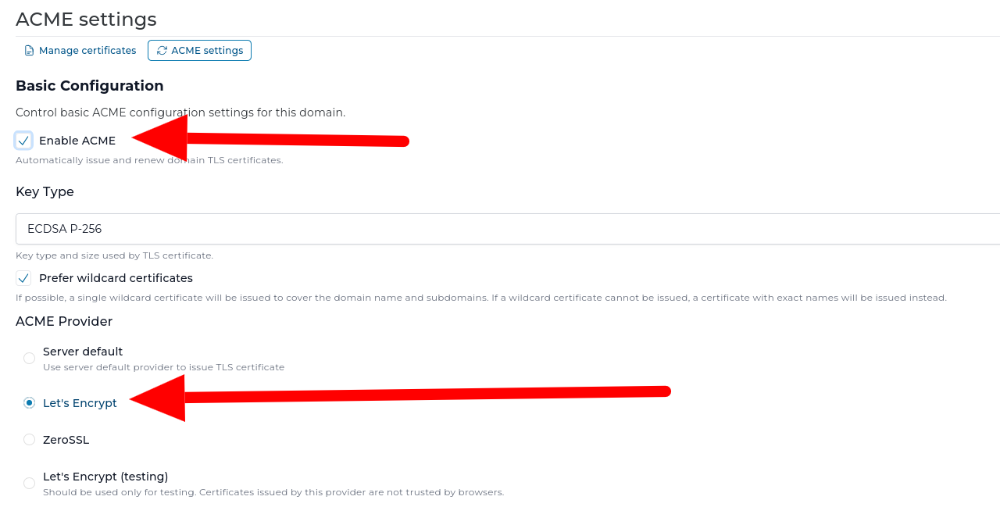
3. Click Save Changed after selecting all of from 2.
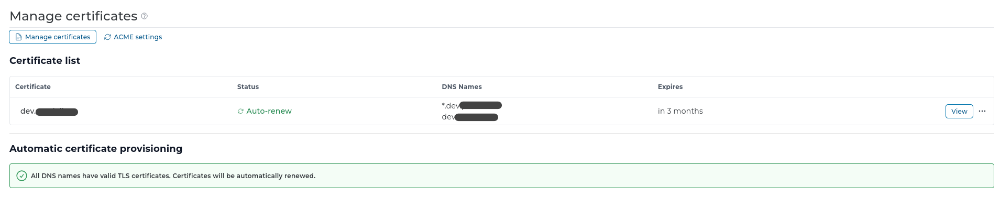
4. Go back to Manage certificates and click Provision now.

When is done it should look like this:
4. Make sure the SSL in Domains is checked – A, and if you want a Force SSL with https redirect – also check B. We recommend to check also B.
You all done. Now your website is with SSL certificate.
 Banko Stoyanov