

 Banko Stoyanov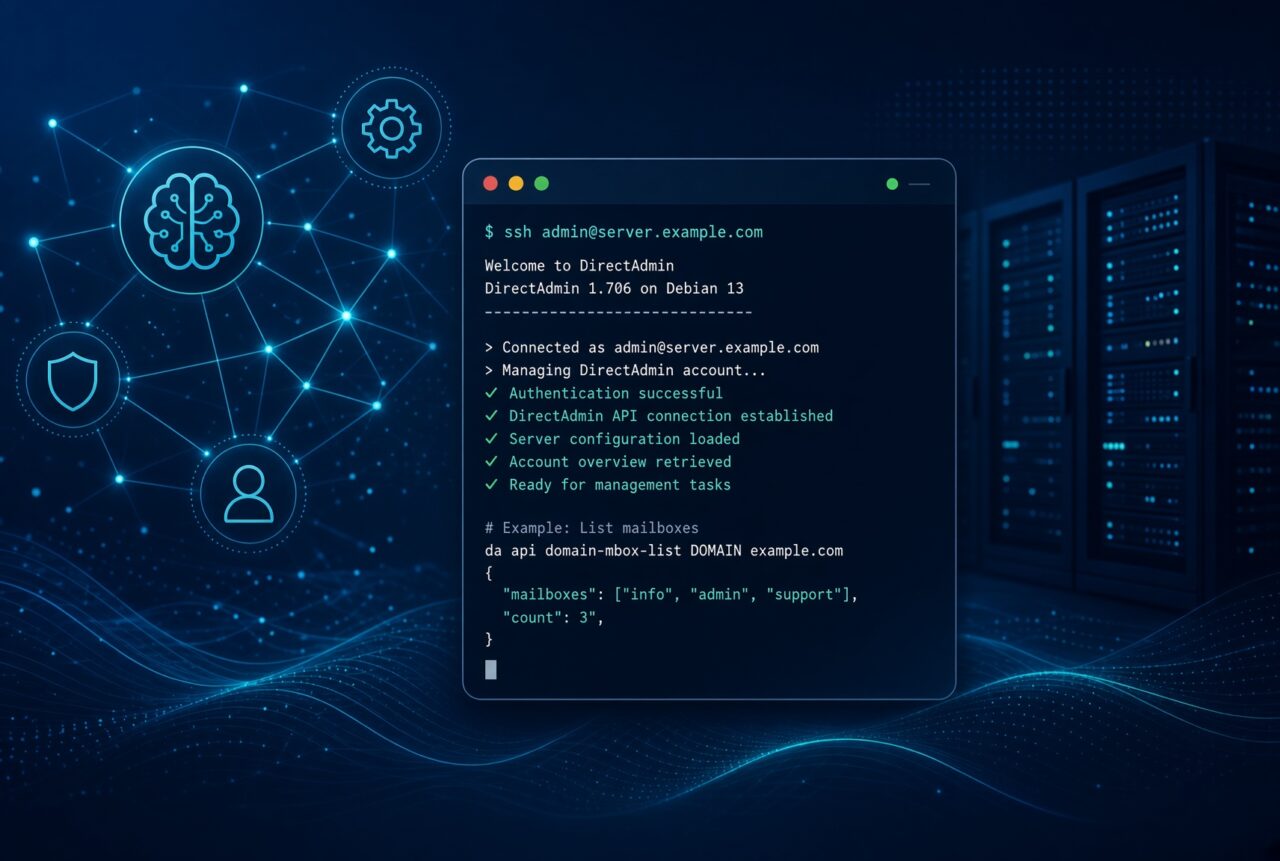
How to Manage a DirectAdmin Hosting Account Entirely with AI Agents via SSH
Over the past few months, AI agents have evolved from “chat that gives advice” into tools that execute commands on servers. For a DirectAdmin user, this means real work on the account — domains, databases, mail, SSL, WordPress — almost without ever logging into the panel.
That’s why we maintain the official CoolIceHost Agent Runbook: https://agent.coolicehost.com/
The English markdown is the canon for the agent. There is a full Bulgarian translation. A ZIP with all files can be downloaded from the same page.
We are not affiliated with DirectAdmin, CloudLinux, WordPress, or Let’s Encrypt — the guide is for the CoolIceHost shared stack (DirectAdmin user level + CloudLinux).
What this is
This is not ordinary documentation. It is an operational runbook for an agent working via SSH as a hosting user (not root, not admin).
It includes:
- A ready curl wrapper for the DirectAdmin API — legacy CMD_API_* and the modern /api/*
- Domains, subdomains, pointers, DNS, redirects
- Databases (create, users, access hosts, dump/import)
- Email, forwarders, autoresponders, vacation, catch-all
- FTP, cron, SSH keys, Login Keys
- SSL / Let’s Encrypt via the panel API (not certbot — DA overwrites it)
- CloudLinux: CageFS, LVE (508), PHP Selector, alt-php paths for cron and WP-CLI
- WordPress: WP-CLI runbook + DA quick install
- Composer, ClamAV (if available), Softaculous CLI (probe first)
- Safety rails for deletion, quota/inodes checks before heavy operations, and idempotent “ensure” commands
The agent receives the file as standing instructions and works by rules, not by guesses.
Canon for agents: https://agent.coolicehost.com/cheatsheet.md
Bulgarian: https://agent.coolicehost.com/cheatsheet.bg.md
Index: https://agent.coolicehost.com/llms.txt
What changed after the first version
v2.0 — From an internal cheat sheet to a runbook for real shared hosting. Added CloudLinux (without it, cron, PHP, and 508 errors are diagnosed incorrectly), Let’s Encrypt via the DA API, force HTTPS, guard rails with explicit confirmation (EN + Bulgarian tokens), Login Key instead of the main password, public viewer, and downloadable markdown.
v2.1 — Full WP-CLI coverage for an already live site; Composer via the correct PHP binary; ClamAV only if the binary exists (no automatic deletion); Softaculous end-user CLI with the clear rule that it often asks for the account password — Login Key does not always work, so the agent asks instead of inventing one.
The commands in the examples remain in English. The explanations are in both languages.
Example scenarios
- Hermes Agent SSH backend to the DirectAdmin user. You feed the runbook as a system prompt or as a file in the home directory. “Read https://agent.coolicehost.com/cheatsheet.md and create a MySQL database + WordPress on the subdomain blog.example.com”
- ChatGPT Desktop (Computer Use / Agent) Open terminal, SSH to the account, file provided or opened in the browser. Suitable when you want to keep the session visible.
- Claude Desktop (Cowork + Computer Use) Same model. Handles multi-step tasks well (subdomain → database → WP-CLI → Let’s Encrypt).
- LM Studio Bionic Code Project pointed at the downloaded markdown. Local or cloud model. Can host Hermes. Maximum privacy.
- Grok Web / PWA, mobile apps, Grok Build in the terminal. The runbook is the same URL. When a native desktop app becomes available, the scenario matches Claude/ChatGPT.
- OpenClaw + n8n The runbook as knowledge; webhook / Telegram / cron launches the agent. Example: new order → subdomain + WordPress. This is the closest to an account that manages itself — still with the same guard rails, otherwise the agent deletes things it shouldn’t.
Practical advice
- Always use a Login Key, never the main password. Softaculous CLI is the exception — if it asks for the account password, that is normal; do not change the main password because of it.
- Feed the runbook at the beginning of the session (system prompt / knowledge / URL).
- Start with a check: “Show the current databases and whether CloudLinux / WP-CLI / Composer is available.”
- Then perform real actions. Deletion, restore, wp search-replace, and composer update on a live site require explicit confirmation from the file.
Conclusion
https://agent.coolicehost.com/ gives the agent the exact commands and boundaries for a CoolIceHost DirectAdmin user account. Hermes via SSH, Claude/ChatGPT with Computer Use, LM Studio, Grok, or OpenClaw + n8n — one and the same document.
Less clicking in the panel, more predictable agents, without pretending that shared hosting is a root VPS.
 Banko Stoyanov

