

 Banko Stoyanov
“The courier office by the market” is a perfectly good address for someone who walks past it every morning. For the person packing the order in another city, it means a phone call. If the customer is driving and can’t pick up, the box stays on the packing table. The courier will be there at four, just like every other day.
The same order could go differently. The customer searches for the office by name, checks the street and selects it. The warehouse gets those details with the order. When it’s time to print the label, nobody has to guess which market the customer meant. Let’s follow the order from the shopping cart to the first phone call about the shipment.
What WooCommerce knows before the courier gets involved
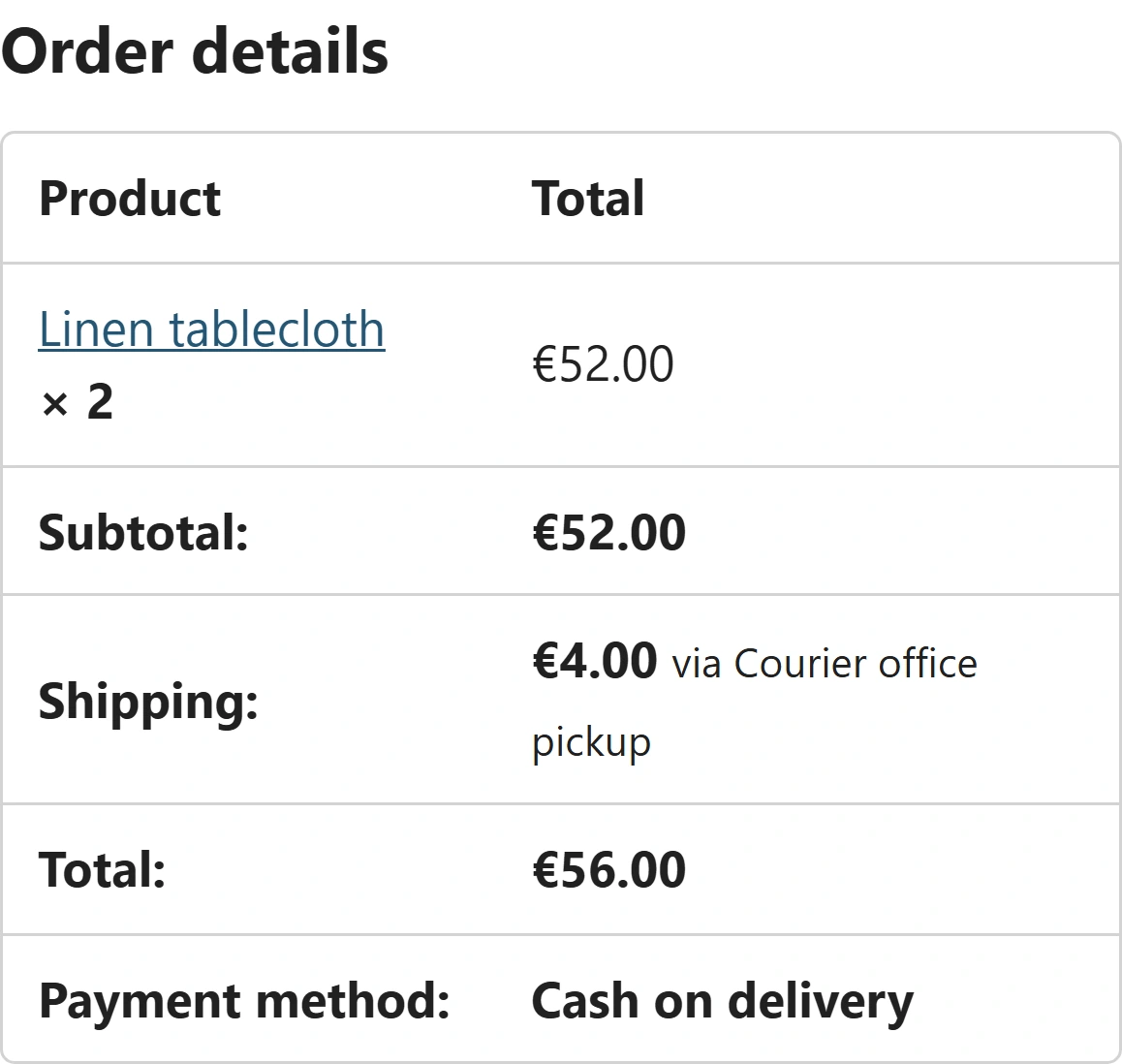
Take two linen tablecloths at €26 each, with €4 for delivery to a courier office. The store records a quantity of two, €52 for the goods, a separate shipping charge and a total of €56. The distinction matters at the door. If the customer has already paid by card, collecting €56 on delivery would charge them twice. With cash on delivery, that amount is still due.
If every parcel costs the same to ship or customers collect their orders from one address, the shipping methods built into WooCommerce are often enough. The merchant can quote a price they can honour and see the customer’s choice in the order. Offering “choose a convenient courier office” takes more work. The store needs an up-to-date list of offices and a way to carry the exact location the customer picks through to the shipping label. That’s where BulgaReady comes in.
The courier office on the corner, the locker outside the shop or a home address?
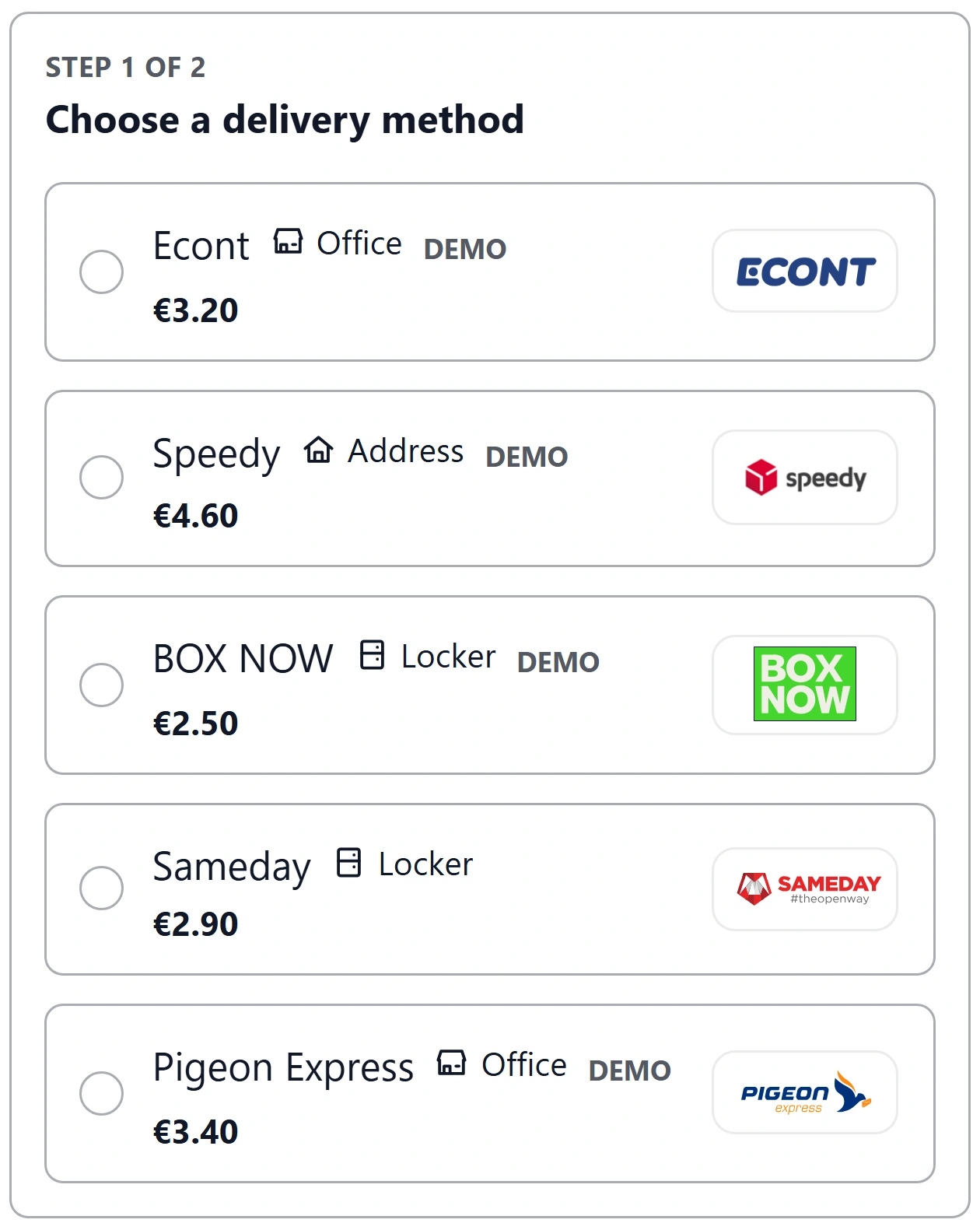
On a Friday afternoon, one customer prefers a courier office because they want to speak to someone at the counter. Another looks for a locker on the way home. A third is ordering something bulky and wants it delivered to their door. The store starts by connecting BulgaReady to the courier it already has a contract with. It can add other couriers as it needs them. At checkout, customers see the services the store offers for their destination.
- Econt. Customers can choose a courier office, an Econtomat locker or delivery to an address. If they recognise an office name, they can check the street in the search results before selecting it.
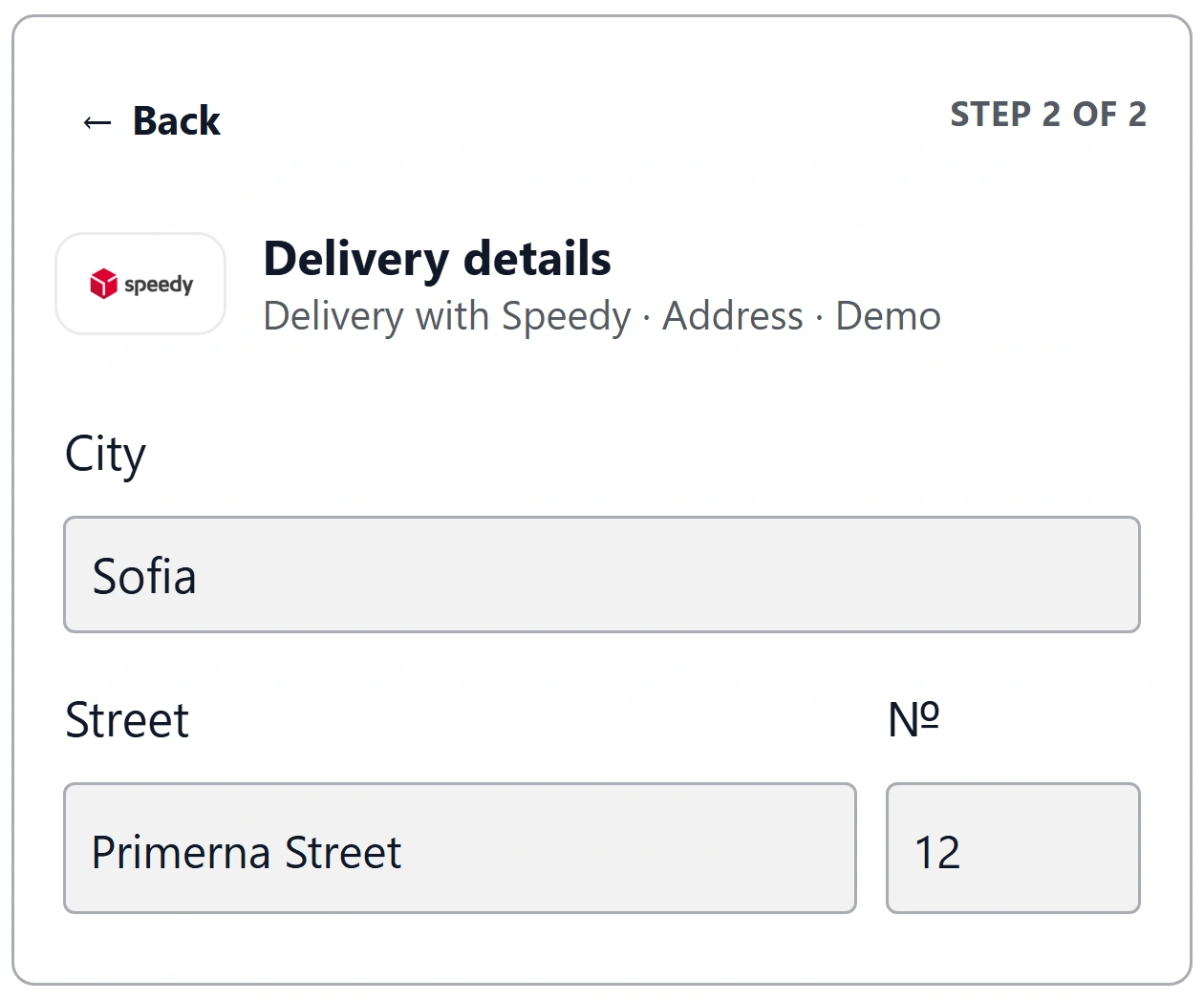
- Speedy. Within Bulgaria, customers can choose an office, a locker or an address. For international orders, the store can offer delivery to an address through DPD if the service is available for that country under its courier contract.
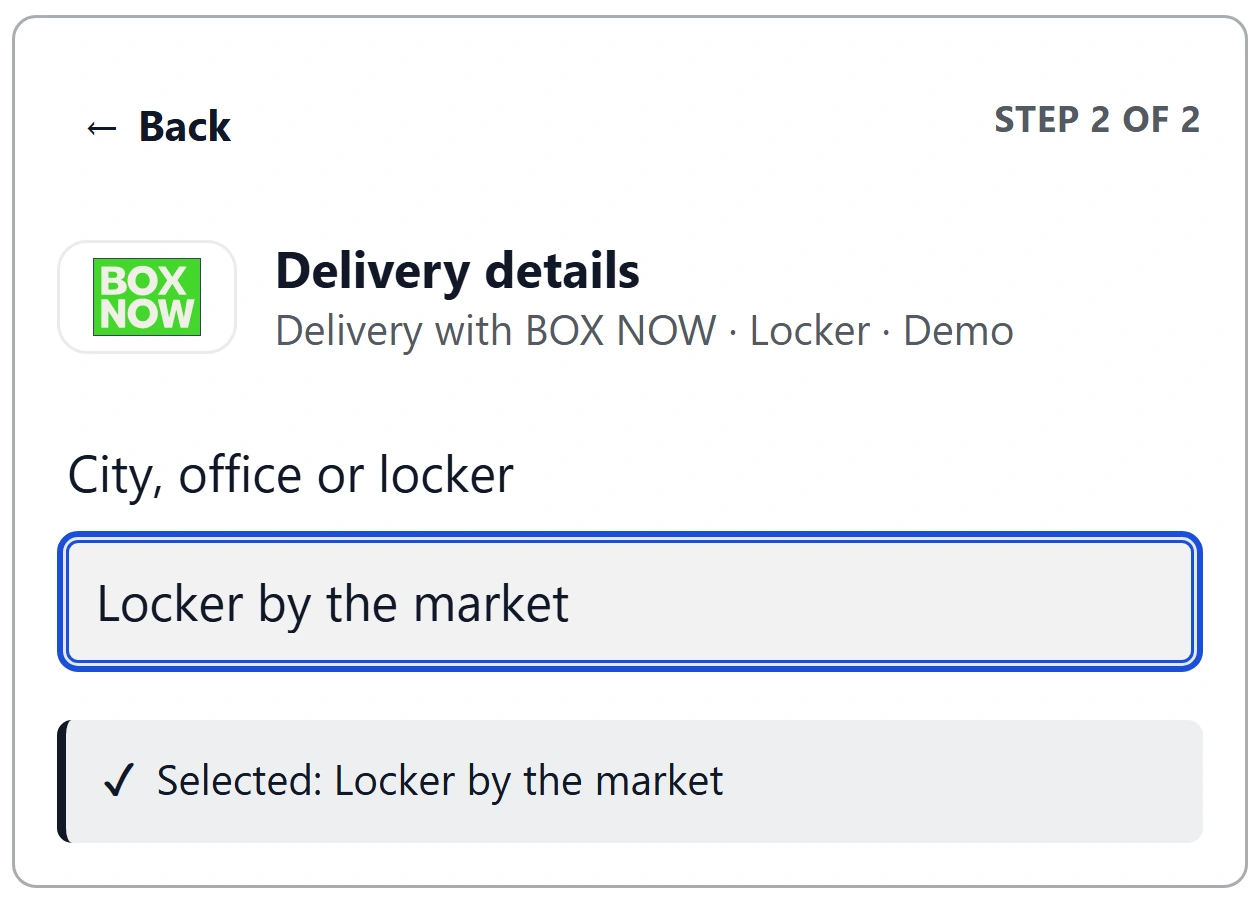
- BOX NOW. The recipient chooses a specific locker. The destination stays with the order even if the customer doesn’t know the street name.
- Pigeon Express. Customers can choose an office, a locker or delivery to an address. When the courier sets the rate, the dimensions of the packed item matter as well as its weight. A lightweight item in a large box is a good example.
- SAMEDAY. Customers can receive the parcel at an address, an easybox locker or a SAMEDAY point pickup location. The difference between a locker and a pickup point matters when deciding where to collect a parcel.
Three steps from the customer’s side of the checkout
- I choose how to receive my order. At checkout I can see which couriers and delivery options the store offers. I compare office pickup, a locker and delivery to my address based on where I’ll be and when I can collect the parcel. If a price is already available, I can factor it in now.
- I specify the location. To find an office or locker, I start typing a town, a neighbourhood or part of the location’s name. With a single search field, I see matches straight away. With a two-step selector, I choose the town first, then a location there. For home delivery, I enter the address where the courier can find me.
- I review and place the order. I check my latest choice, the shipping charge and the total. If I’ve switched from address delivery back to office pickup, the order should show the office I just chose. The merchant now has a specific location from the courier’s directory to use when preparing the label.
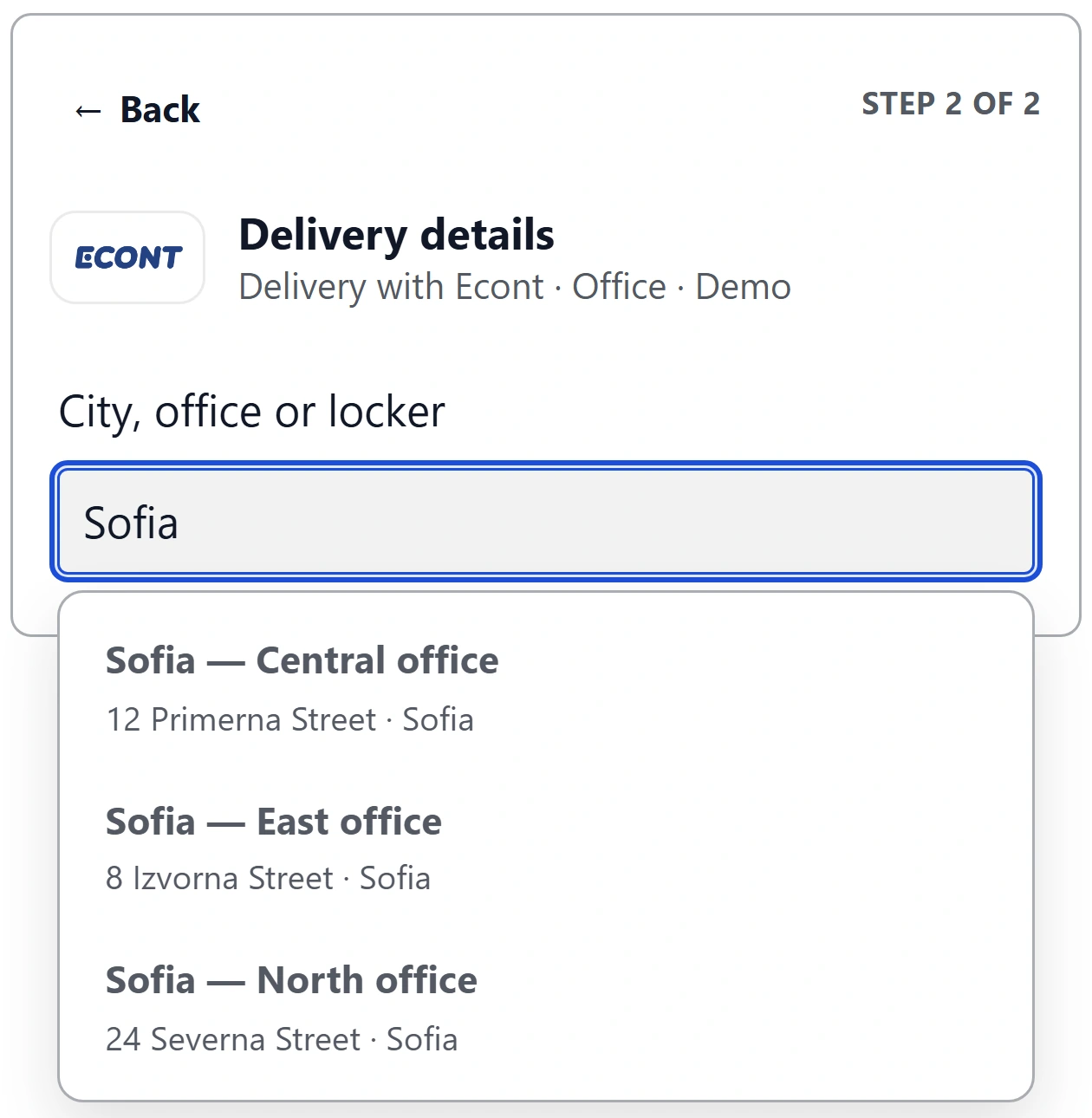
That final check is especially handy for lockers. Two lockers may be within walking distance of each other but on opposite sides of a busy boulevard. Customers should still be able to see the name of the locker they chose while they review the order.
This also matters for someone who lands on a product page from an ad for that item. If the store offers quick ordering from the product page, the customer can start there. For a purchase with several different items, the cart is a convenient place to check the quantities and the total.
How much will shipping cost if I add one more item?
A flat rate has one clear advantage. If the store quotes €4 for delivery to a courier office, customers know what they’ll pay before they even find their office. If the courier charges €4.60 for that box, the merchant covers the extra 60 cents. For a small product range, the figures are easy to check. A lighting shop shows where it can get tricky. A lampshade is light, but it can take up more space than the lamp itself.
When rates come from the store’s courier contract, the store can show an estimate for the items in the cart. Once customers select a destination, they see the rate for their delivery. If an estimate isn’t available, the message “Price after delivery details” tells them how to get one. A good place for the final shipping charge is beside the order summary, where customers can see it before placing the order.
A coupon changes the maths. Suppose the store offers free shipping on goods worth €50 or more after discounts. The two tablecloths at €52 qualify. A €5 coupon brings the goods down to €47. With €4 shipping, the customer pays €51 in total. The €5 coupon saves just €1 on the original €52 total. That’s a good reason to show the free shipping terms in the cart. If a different threshold applies abroad, customers need to see the one for their country.
The box is packed. What does the warehouse still have to do?
The person packing the order opens it, checks the items and confirms where the parcel is going and how much the courier needs to collect. The courier and destination are already on the order. Once the shipping label is created, the order has a tracking number and a label ready to print. If the printer chews up the sheet, the packer prints the same label again. The customer and the warehouse are still talking about the same parcel.
For a store selling standard items, preparation can start automatically when the order reaches the status the merchant has chosen for dispatch. For made-to-order items, it can make sense to speak to the customer before creating the label. Someone ordering a lamp as a gift might ask at the last minute to have it sent straight to the recipient.
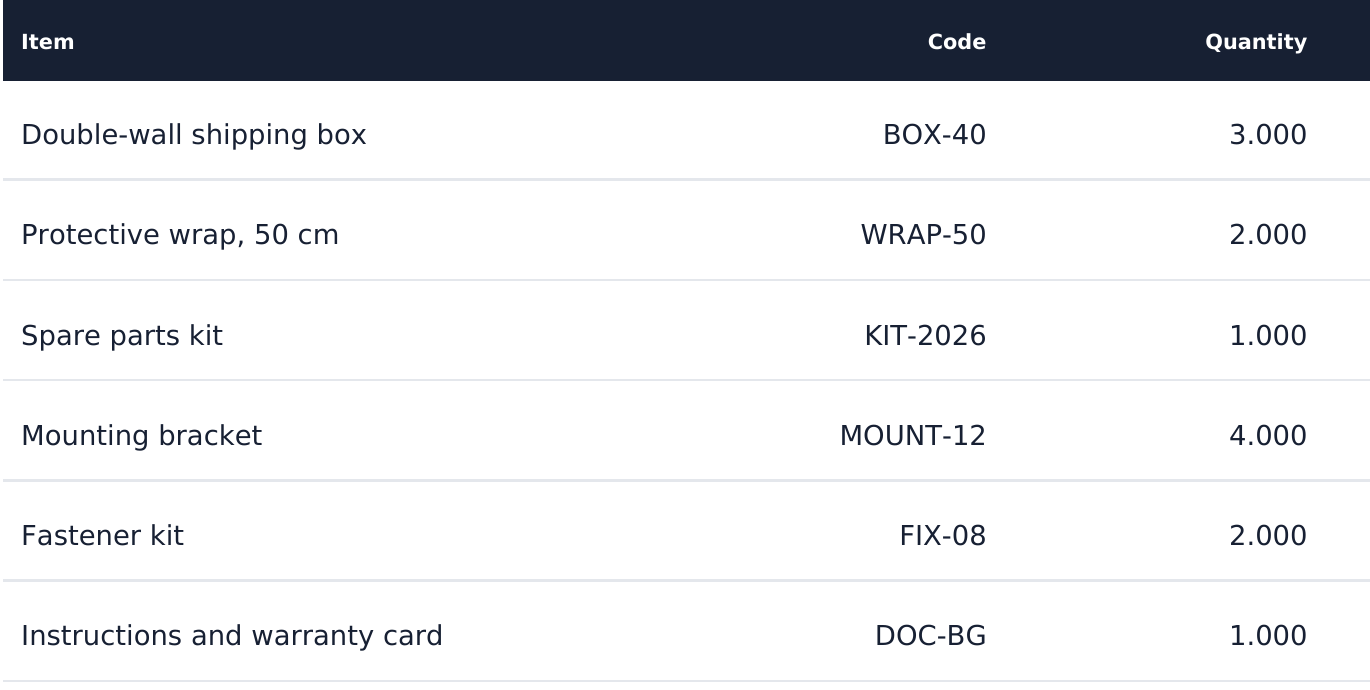
What exactly belongs in the box? An order for spare parts might list a warranty card as a separate item priced at zero. It still needs to go in with the parts. With a stock receipt to hand, the packer can check the items and quantities at the packing table.
If the purchase is for a business, the merchant can prepare an invoice from the order using the details the customer supplied. Once issued, the PDF can be emailed after checking the recipient’s address. If a return calls for an adjustment to the invoice, the merchant can also prepare a credit note.
“The shipping label’s been created. Do you still have my parcel?”
It’s a fair question. The label may already be on the box while the courier has yet to arrive. When a customer calls, a member of staff opens the order and checks the tracking number and the courier’s latest update. If the only update is that the label has been created, the packing table is the first place to look. If the courier has accepted the parcel, the tracking number can be used to check its progress. When notifications are enabled, the customer can also receive an email when the shipment is created.
Even one word matters. “Inspection declined” can mean the recipient accepted the parcel without opening it in front of the courier. Read the full tracking update before telling a customer that the goods are on their way back. The person on the phone wants to know where the box is.
A test order worth placing
Open the checkout on a phone as a guest. Choose an office, go back to the delivery options and switch to a locker or an address. Check that the summary shows your latest choice. If you ship internationally, repeat the test with a saved address abroad. This quick exercise tests something that’s easy to miss when reviewing the store from an office computer.
If the old price reappears after you switch, tell your hosting support team when it happened, which country and delivery method you selected, and the exact steps you took. They can check whether the checkout is receiving an up-to-date response and whether the cart and checkout pages are excluded from the shared cache. They can repeat the test without a real customer’s name or phone number.
For the final check, give the person dispatching the parcel just the order number. Can they find the courier office, tell you how much the courier should collect and print the label before they have to call anyone? Those three tasks will tell you which BulgaReady features for WooCommerce could save you work on the very next parcel.


